A structured cabling checklist for an office fit-out
By Zentrum Middle East · 29 August 2026 · 8 min read
For contractors, project managers and corporate IT teams
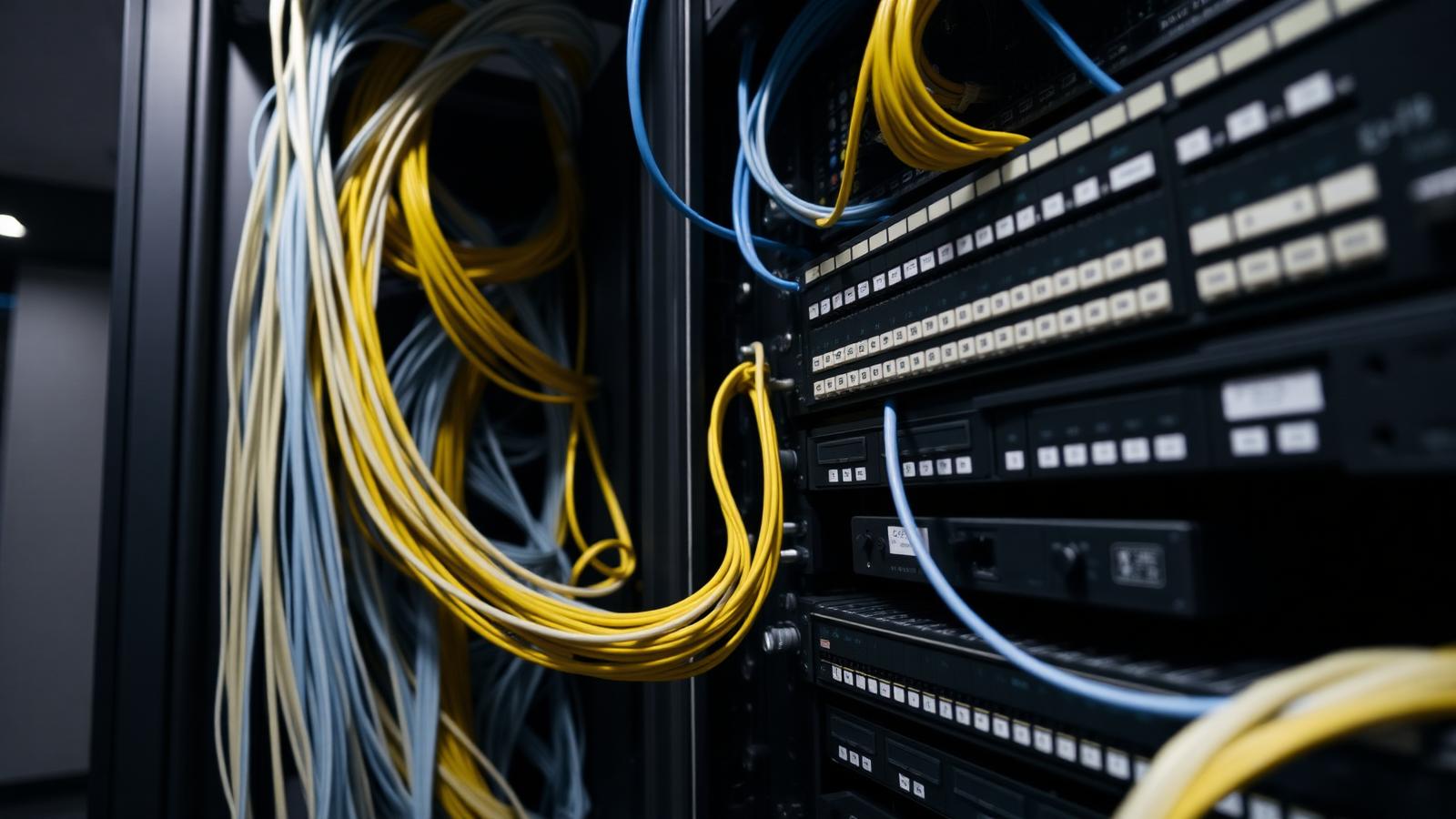
Fix the requirement, the topology and the rack locations before anyone pulls cable. Cabling is the layer with the longest life and the highest cost of change in an office fit-out.
Start from the requirement, not the cable type
Before selecting a category of cable, establish what the office actually has to support: headcount and desk density now and at the end of the lease; meeting room technology; wireless access point count; printers, screens, door controllers, cameras and sensors; and whether any of those need power over the same cable. Most specification arguments disappear once the device schedule exists.
Copper: Cat6 and Cat6A
Cat6 remains appropriate for general workstation outlets in many fit-outs. Cat6A is worth considering where higher speeds to the edge are expected, where cable runs are long and dense, or for access points and other powered devices where thermal performance in bundles matters. The honest way to decide is per outlet type rather than declaring one category for the whole floor.
Fibre where it earns its place
Fibre belongs in the backbone: between floors, between the main equipment room and any secondary distribution rooms, and to any high-bandwidth island such as a data room or production area. Running fibre to individual desks is rarely justified in a standard office; running it between rooms almost always is, because that is the path hardest to upgrade later.
Rack locations, pathways and distances
- Locate racks so that horizontal copper runs stay comfortably within standard length limits, including the real route rather than the straight line on the plan.
- Give the equipment room power, cooling, lockable access and clear working space front and rear.
- Coordinate containment with mechanical and electrical services early; basket, tray and trunking capacity should include spare space by design.
- Keep clear separation between data pathways and power runs in line with the installation practice being followed.
- Plan riser access for future additions without ceiling demolition.
Patching, labelling and testing
Patching strategy — how many panels, in what order, with what port allocation — should be agreed before termination. Labelling should follow one convention applied identically at the outlet, the panel and the drawing, because a label that only makes sense to the installer is not documentation.
Every permanent link should be tested with a field tester and the results supplied as part of the closeout pack. Test results are the only objective evidence that the installation performs as specified.
Documentation and future capacity
The closeout pack should let a new IT team work on the system without a site survey: as-built drawings with outlet numbers, a port-to-outlet schedule, rack elevations, test results and a description of the labelling convention. Alongside it, plan spare capacity — outlets, panel ports, containment space and rack units — because the additions always come.
Wi-Fi support
Access points are cabled devices. Confirm their positions on the reflected ceiling plan alongside lighting and sprinklers, allow a cable to each position, and consider a spare run to positions that may be added once the space is occupied and real usage is known.
Common mistakes
Common mistakes
- Specifying a cable category before counting the devices it has to serve.
- A comms room sized for the switches with no room for growth, cooling or access.
- Labelling agreed after installation, so drawings and reality disagree.
- No fibre backbone because everything fitted on one floor at day one.
- Handing over without test results, then debating performance later.
Related systems
Zentrum delivers structured cabling and network infrastructure for corporate fit-outs across the UAE.
System view · conceptual
One backbone, separated services
- 01 /
External connectivity
Carrier entry, demarcation and the space reserved for it while the building is still on paper.
- 02 /
Main equipment environment
Core switching and main distribution, with power, cooling and access planned around maintainability.
- Core switching
- Power
- Cooling
- 03 /
Fibre backbone
Riser and inter-building fibre with counts and grades sized for a later refresh, not only for day one.
- 04 /
Distribution
Floor or zone cabinets holding patching, PoE switching and the labelling that keeps the plant legible.
- Patch fields
- PoE switching
- 05 /
Network services
Segmentation, addressing and capacity separating guest, staff, building-system and management traffic.
- Segments
- Capacity
- Management
- 06 /
Endpoints
Access points, workstations, cameras, readers, displays and control devices sharing one plant.
- Wi-Fi
- Security
- AV
- Controls
Outcome /
One backbone every other system can depend on.
Documented, labelled and tested, so future work extends the infrastructure instead of duplicating it.



From perspective to project
Working on something where this matters? Tell us the project stage and we will tell you what needs deciding next.
Discuss a project